What is XML?
XML, or Extensible Markup Language, is a versatile, human-readable format designed for encoding structured data. It provides a robust framework for storing, transporting, and exchanging information across diverse platforms while remaining independent of any particular software or hardware implementation.
Core Characteristics
- Human-readable text: Easy for developers and non-technical stakeholders to inspect.
- Extensible: Users define their own tags, enabling a broad range of applications.
- Platform-agnostic: Works seamlessly over the internet, in repositories, or embedded systems.
- Self-describing data: Each element’s tag conveys meaning, often accompanied by attributes.
How XML Works
Unlike binary formats, XML documents are plain text files that follow a strict hierarchy:
- Root element – the single top-level node.
- Nested elements – child nodes that can contain further children, forming a tree.
- Attributes – supplementary data defined within an opening tag.
- CDATA sections – allow inclusion of characters that would otherwise be parsed.
Because of this tree structure, XML can represent complex data models such as organizational charts, product catalogs, and configuration files.
Historical Context
XML was standardized by the W3C in 1998 to replace HTML’s limited markup for data representation. While HTML remains dedicated to web presentation, XML focuses strictly on data description, promoting interoperability between disparate systems like ERP, CRM, and web services.
Use Cases in Modern Development
- Web services: SOAP messages and RESTful APIs often transmit payloads in XML.
- Configuration files: Projects such as .NET’s
appsettings.xmlor Java’spom.xmlrely on XML for setup. - Document interchange: Formats like Office Open XML and EPUB use XML to structure content.
- Database export/import: Many databases can read/write XML for backup, migration, or analytics.
- Software packaging: Package managers (e.g., Maven, Gradle) describe dependencies in XML files.
Advantages Over Alternative Formats
| Feature | XML | JSON | CSV |
|---|---|---|---|
| Hierarchical support | ✔️ | ❌ | ❌ |
| Schema validation | ✔️ | ❌ (optional) | ❌ |
| Self-describing | ✔️ | ❌ | ❌ |
| Text readability | ✔️ | ✔️ | ✔️ |
Challenges and Considerations
- Verbosity: Large XML files may be bulky compared to binary or compressed formats.
- Parsing speed: XML parsers can be slower, particularly for highly nested structures.
- Tooling: Modern ecosystems favor JSON, but many legacy systems still require XML expertise.
In Summary
XML remains a cornerstone of data interchange. Its ability to encode complex, nested information in a self-descriptive manner has enabled smooth communication across heterogeneous software ecosystems. Whether you are designing a REST API, creating a configuration file, or integrating legacy systems, understanding XML’s architecture and practices is essential for building interoperable, maintainable solutions.
Beginner’s Checklist for Working with XML
- Choose a parser (e.g., lxml, ElementTree, or XML DOM) that matches your language’s ecosystem.
- Define a clear schema using XSD or DTD to enforce data integrity.
- Validate incoming XML data before processing to prevent injection attacks.
- Optimize: Use document compression (gzip) or binary XML (e.g., Fast Infoset) for bandwidth-constrained environments.
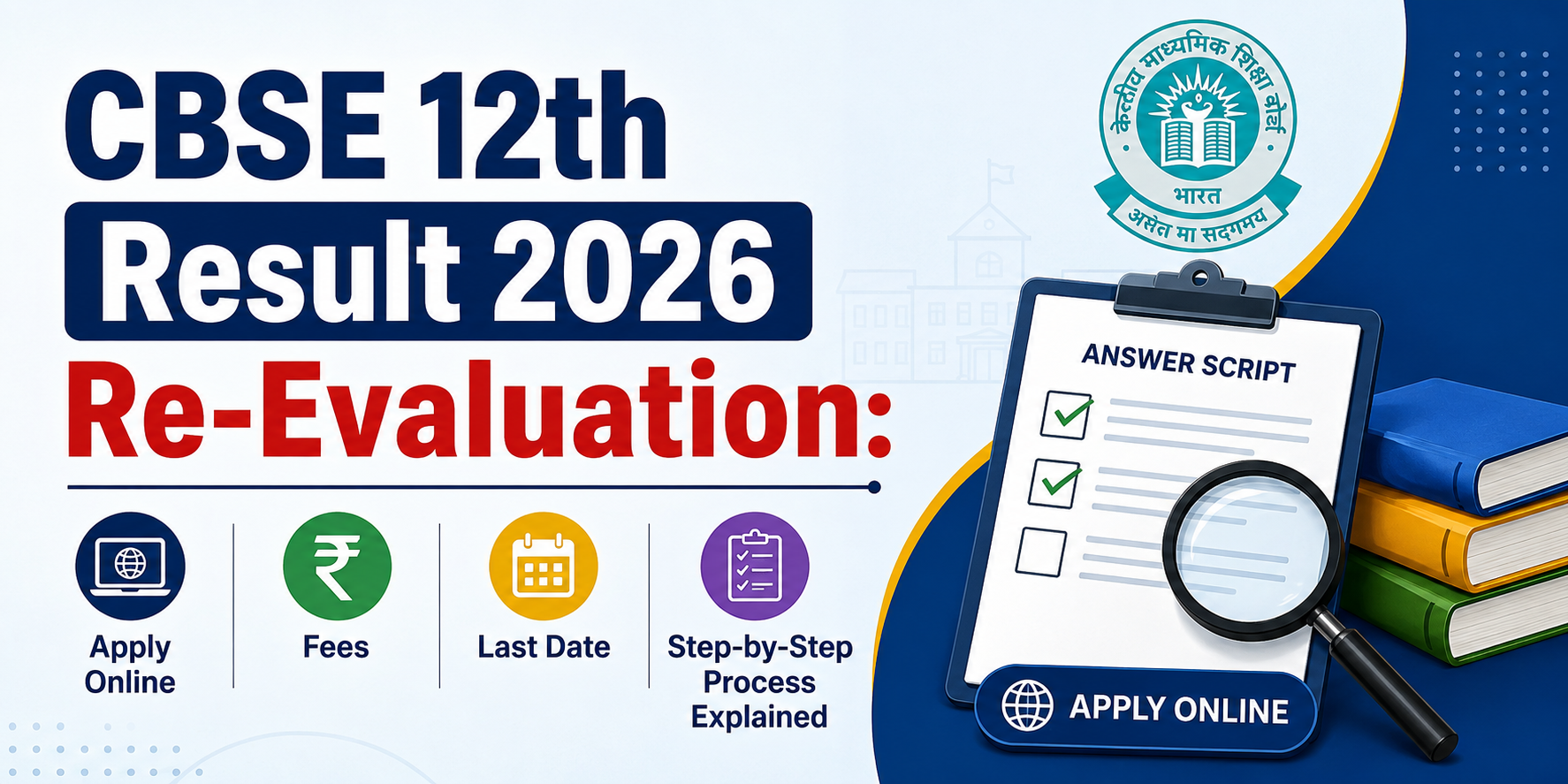
CBSE 12th Result 2026 Re-Evaluation: Apply Online, Fees, Last Date & Step-by-Step Process Explained
NEW
NEET UG 2026 Re-Exam Date Announced: Check New Exam Date, Schedule & Latest Updates
NEW
Understanding the SSC Phase 14 Exam: A Comprehensive Overview
NEW
Top Study Tips for Cracking Your Exams with Confidence
NEW
Aerospace Engineering: Scope, Courses & Career Opportunities
NEW
SSC CHSL Syllabus
NEW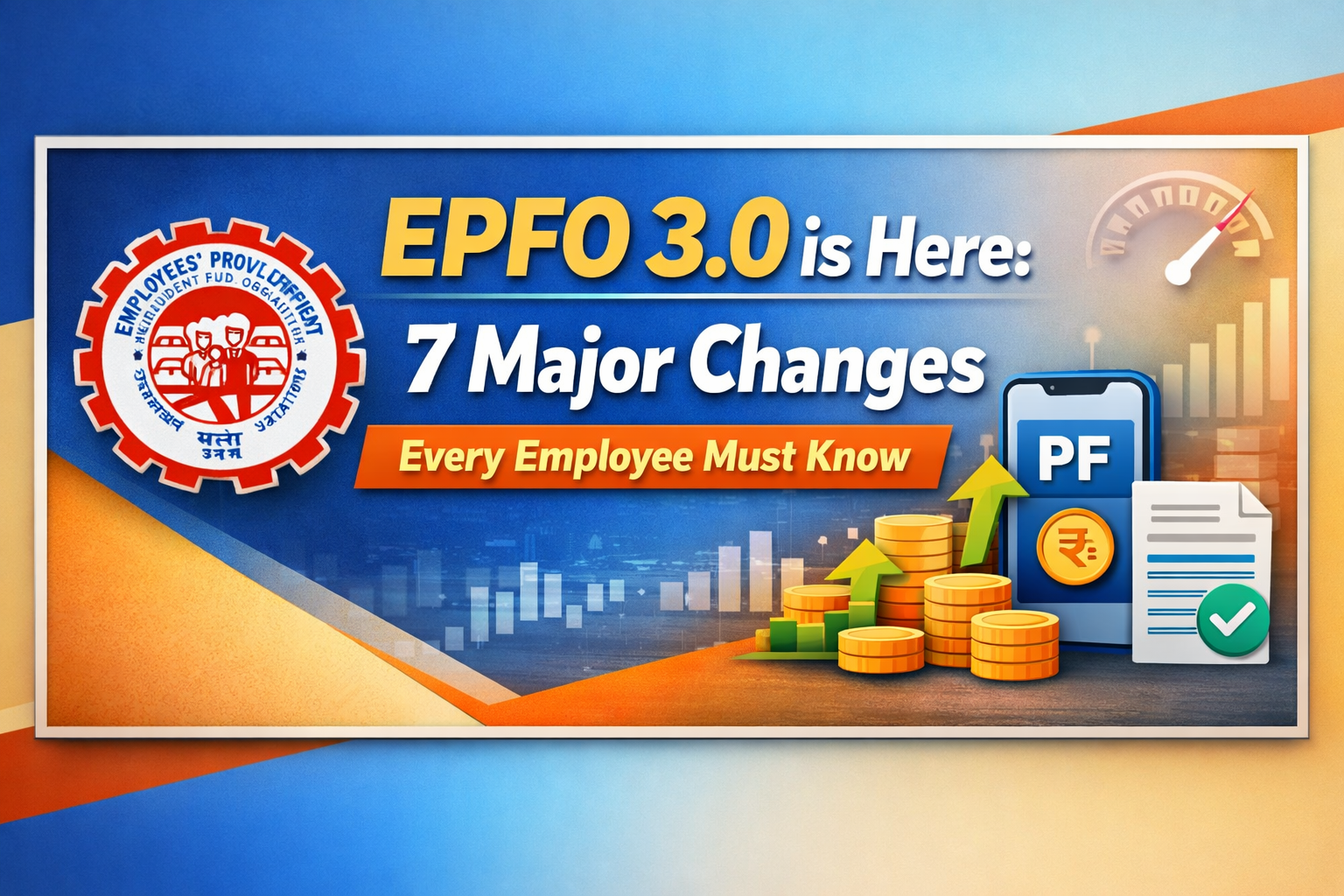
EPFO 3.0 is Here: 7 Major Changes Every Employee Must Know
NEW
Indian Army Salary Structure
NEW
Java Interview Questions
NEW
SSC CHSL 2025: Revised Exam Dates, Important Instructions & Study Strategy
NEW
How to Prepare for SSC CGL in 3 Months
NEW.png)