Difference Between HTML and XML (HTML vs XML)
Introduction
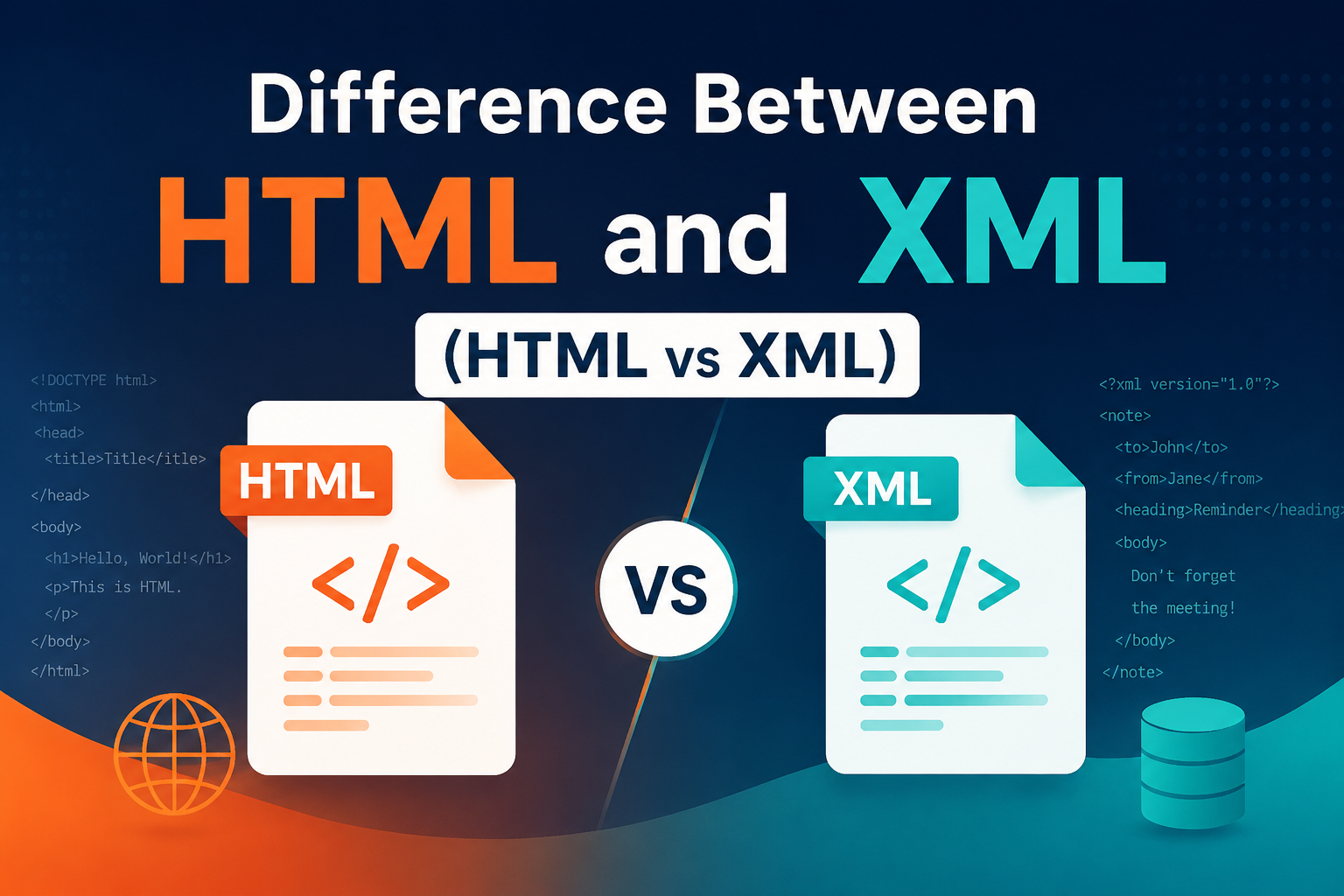
HTML and XML are two widely used markup languages in web development and data handling systems. Although they may look similar in syntax because both use tags enclosed in angle brackets, their purposes are completely different. HTML is designed to display data on web pages, while XML is designed to store and transport data in a structured format. Understanding the difference between these two is essential for students, developers, and anyone working with web technologies.
What is HTML?
HTML stands for HyperText Markup Language. It is the standard language used to create and design web pages. HTML provides the structure of a webpage by defining elements such as headings, paragraphs, images, links, tables, and more. It works with browsers to display content in a readable and visually organized format.
For example, HTML uses tags like <h1>, <p>, <img>, and <a> to define content on a webpage. These tags are predefined, meaning developers must use only the tags supported by HTML standards.
Features of HTML
- Simple and easy to learn
- Uses predefined tags
- Supports multimedia elements like images, audio, and video
- Works on all browsers and operating systems
- Can be integrated with CSS and JavaScript
- Supports hyperlinks for navigation between pages
Advantages of HTML
- Free to use and open standard
- Easy to write using simple text editors
- Supported by all modern browsers
- Helps in building the structure of websites
- Large community and extensive documentation
Disadvantages of HTML
- Cannot create dynamic web pages on its own
- Requires CSS and JavaScript for styling and interactivity
- Can become complex for large web applications
- Lacks strong data handling capabilities
What is XML?
XML stands for Extensible Markup Language. Unlike HTML, XML is not used to display data but to store and transport data. It allows users to define their own custom tags, making it highly flexible and self-descriptive. XML is widely used in web services, configuration files, and data exchange between systems.
For example, XML can represent structured data like:
<student>
    <name>John</name>
    <age>21</age>
</student>
Features of XML
- Stores data in plain text format
- Allows creation of custom tags
- Platform independent
- Human-readable and machine-readable
- Used for data sharing and transfer
Advantages of XML
- Enables easy data exchange between systems
- Supports multiple languages through Unicode
- Highly flexible structure
- Works across different platforms
- Improves data portability
Disadvantages of XML
- Verbose and lengthy syntax
- No built-in data types
- Requires additional processing tools
- Slower compared to modern formats like JSON
Difference Between HTML and XML
HTML and XML are both markup languages, but they serve different purposes. HTML is focused on presentation and display of data, while XML is focused on storing and transporting data.
| Feature | HTML | XML |
|---|---|---|
| Purpose | Displays data on web pages | Stores and transfers data |
| Tags | Predefined tags | User-defined tags |
| Case Sensitivity | Not case-sensitive | Case-sensitive |
| Error Handling | Errors are ignored | Errors must be corrected |
| Structure | Fixed structure | Flexible structure |
| Usage | Web page design | Data storage and exchange |
Conclusion
In conclusion, HTML and XML are both essential technologies in web development. HTML is used to create and display web pages, making it a core part of frontend development. XML, on the other hand, is used to store and transport data between systems in a structured format. Both have their own importance and are often used together in modern applications.
FAQs
1. What is the main difference between HTML and XML?
HTML is used to display data, while XML is used to store and transport data.
2. Is XML better than HTML?
Neither is better; they serve different purposes in web development and data handling.
3. Can HTML and XML work together?
Yes, XML data can be used within HTML-based applications for dynamic content.
4. Is XML still used today?
Yes, XML is still widely used in APIs, configuration files, and data exchange systems.
5. Is HTML case-sensitive?
No, HTML is not case-sensitive, unlike XML which is case-sensitive.

Radhika Singh
Latest Blogs
- AngularJS Interview Questions and Answers
- Difference Between HTML and XML (HTML vs XML)
- CBSE 12th Result 2026 Re-Evaluation: Apply Online, Fees, Last Date & Step-by-Step Process Explained
- NEET UG 2026 Re-Exam Date Announced: Check New Exam Date, Schedule & Latest Updates
- Understanding the SSC Phase 14 Exam: A Comprehensive Overview